By Kalshi View Editorial Team · 2026-07-13

Kalshi Mobile App Review: Is It Good Enough for Active Trading?

Kalshi Mobile App Review: Is It Good Enough for Active Trading?

Active trading on prediction markets demands speed, reliable execution, and quick access to positions. The Kalshi mobile app puts the entire CFTC-regulated marketplace in your pocket, but whether it can handle the demands of frequent trading is another question. This Kalshi mobile app review breaks down what works, what frustrates, and where the app stands compared to desktop trading.

Primary sources I checked: The Kalshi official website for current app features and market access, and the Kalshi Help Center for documentation on order types, fees, and account requirements.

Getting Started with the Kalshi Mobile App

The Kalshi app is available for iOS and Android devices. Account creation follows the same identity verification process as the web platform, as Kalshi requires KYC compliance for all users. If you already have a Kalshi account, you can log in immediately and access your existing positions and funds.

First impressions are reasonably positive. The interface is clean, with markets organized by category (politics, economics, weather, and more). Navigation between sections feels intuitive, and the search function works adequately for finding specific contracts.

Key features available on mobile include:

Order Execution and Speed: The Critical Test

For active traders, execution speed matters more than aesthetics. The Kalshi mobile app handles basic order flow competently. Placing a Yes or No position takes a few taps, and confirmation screens display the potential payout and maximum loss before you commit.

Limit orders work as expected. You set your price, the app shows your position in the order book, and you wait for a fill. Market orders execute against available liquidity, though thin markets can mean slippage on larger positions.

Where the mobile experience shows strain is during high-activity periods. Fed decision days, election nights, and breaking news events can bring heavier traffic. Some traders in the @Kalshi_market Telegram channel have noted occasional lag during these windows, though experiences vary by device and connection.

One limitation worth noting: the app does not currently offer advanced order types like stop-losses or bracket orders. If you want automated risk management, you will need to monitor positions manually or use the API through a separate system.

Charting and Market Data on Mobile

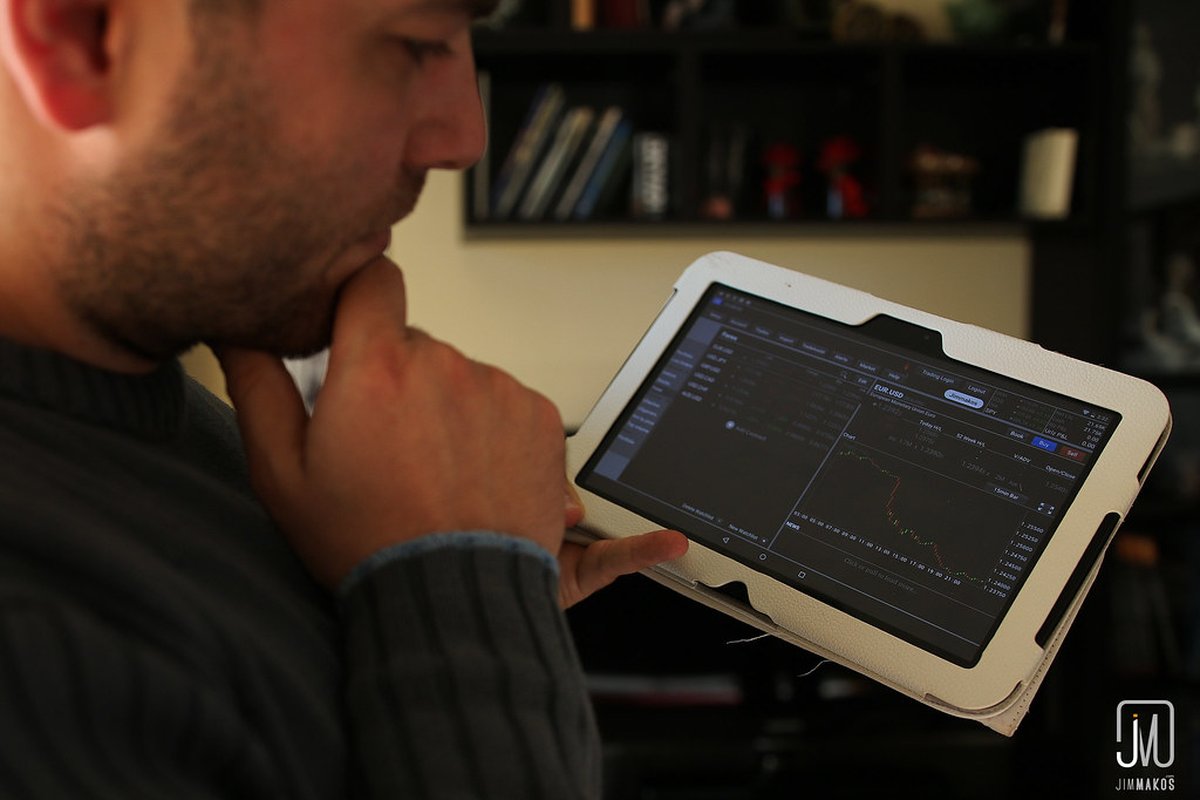
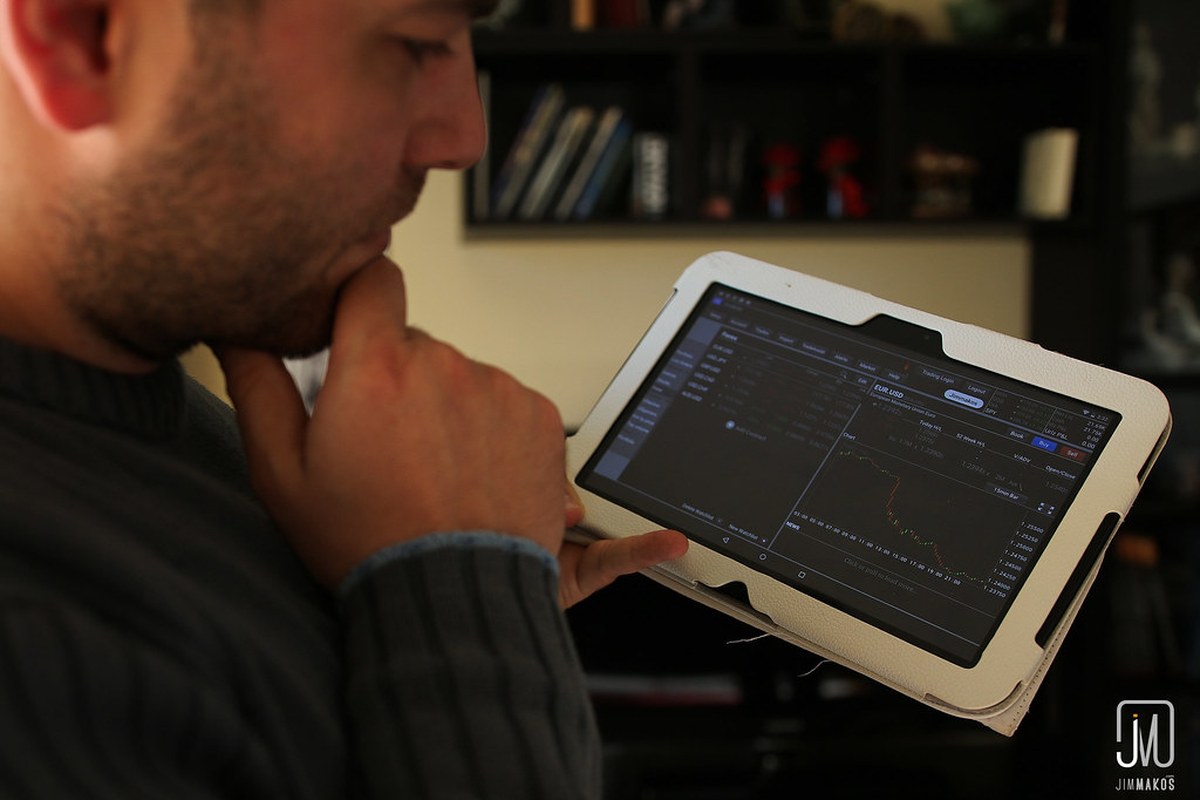
This Kalshi mobile app review would be incomplete without addressing charting capabilities, which remain basic. The app displays price history and recent trading activity, but do not expect TradingView-level tools here.

Kalshi Mobile App Review: Is It Good Enough for Active Trading? - smartphone trading screen (photo 1)

What you get:

What you do not get:

For traders who rely heavily on technical analysis, the mobile app serves better as a monitoring and execution tool rather than a primary research platform. Many active users check desktop charts or external sources before executing on mobile.

User Interface and Navigation

The app design follows modern conventions. Markets are grouped logically, and the bottom navigation bar provides quick access to Markets, Portfolio, Activity, and Account sections. Loading times are generally acceptable on stable connections.

Position management is straightforward. Your portfolio screen shows open positions, current market prices, and unrealized profit or loss. Closing a position requires tapping into the contract and placing an offsetting order.

A few usability notes:

Mobile App vs. Desktop: What Active Traders Should Know

The mobile app provides access to the same markets as the desktop site, with identical fees (no trading fees on most markets, though contract-specific rules apply). Settlement, payouts, and account functions operate identically across platforms.

However, desktop trading offers advantages for active users:

Mobile excels for:

Kalshi Mobile App Review: Is It Good Enough for Active Trading? - us capitol building dome (photo 2)

Most active traders use both. The mobile app handles quick checks and opportunistic trades, while desktop remains the primary workspace for research and larger position management.

Reliability and Known Limitations

No trading app is perfect, and this Kalshi mobile app review should address realistic limitations. Based on user feedback and app store reviews, common observations include:

Kalshi continues to update the app, with recent versions addressing stability improvements. Checking for updates regularly is worthwhile.

Frequently Asked Questions

Is the Kalshi mobile app free to download and use?

Yes, the Kalshi app is free to download on iOS and Android. There is no subscription fee or app-specific charge. Trading fees depend on the specific market and contract, but the app itself costs nothing. You will need to complete identity verification and fund your account before trading, which follows the same process as the desktop platform.

Can I trade all Kalshi markets on the mobile app?

The mobile app provides access to the same markets available on the Kalshi website. This includes politics, economics, weather, and other event contracts. Market availability depends on what Kalshi has listed at any given time, and you can check kalshi.com for the current lineup. Contract rules and settlement criteria are identical across platforms.

Does the Kalshi mobile app support limit orders?

Yes, the app supports both market orders and limit orders. Limit orders let you set your desired price and wait for execution when the market reaches that level. However, advanced order types like stop-losses or trailing stops are not currently available on mobile. Active traders who want automated risk controls may need to use the API or monitor positions manually.

How does mobile trading on Kalshi compare to using the website?

The mobile app offers the same core functionality as the desktop website, including market access, order placement, and account management. Desktop provides a larger screen and keyboard shortcuts that some active traders prefer. Mobile excels for on-the-go monitoring and quick trades. Many users combine both, using desktop for research and mobile for alerts and opportunistic positions.

Not financial advice. Prediction-market trading is speculative, and you can lose money. Do your own research.

For new Kalshi guides and market notes, follow @Kalshi_market. Free, no signup, no upsell.